
Sonos installation in Casey done the way it should be
Casey is one of the newest north-Canberra suburbs — mostly post-2015 builds, Hebel panel external walls, double-storey configurations, NBN fibre to the home. Palmers TV is Canberra's family-owned AV and smart-home installer — three generations, founded 1981, and licensed for the work (ACT SEC LIC 17502783, NSW SEC LIC 000108288). We've been installing Sonos installation in Casey and the surrounding North Canberra for over 45 years.
Casey is one of the newest north-Canberra suburbs — mostly post-2015 builds, Hebel panel external walls, double-storey configurations, NBN fibre to the home. For Sonos installs in Casey, the brief is usually four to eight zones: lounge with a Sonos Arc paired to the TV, in-ceiling Architectural speakers in the kitchen, master suite, and main bathroom, an outdoor pair on the deck, and a Sub Mini hidden behind the couch. We design the network first (Sonos needs reliable Wi-Fi to stay rock-solid), then the speaker plan, then the cable runs back to a central amp location.
What Sonos actually delivers when it's installed properly
Sonos is the most flexible whole-home audio platform on the market — but the difference between a good Sonos install and a great one is in the cabling, the speaker placement, and the network. We design every Sonos system around the rooms you actually use: a Sonos Arc or Beam paired with the TV in the lounge, Era 100s or in-ceiling Architectural speakers in the kitchen and master, an outdoor pair for the deck, and a Sub Mini tucked discreetly behind the couch. Everything zoned, grouped, and controllable from a single app.
Common Sonos jobs in Casey
- Whole-home Sonos plan covering 4–8 listening zones from lounge to outdoor deck
- Sonos Arc Ultra + Sub 4 + Era 300 surrounds paired with the family room TV for Dolby Atmos
- In-ceiling Sonance Architectural speakers driven by Sonos Amp in kitchen, master and ensuite
- Outdoor weatherproof Sonos installation for covered alfresco and pool areas
- Network rebuild with Unifi access points to give Sonos the Wi-Fi backbone it needs
- Migration from older Sonos kit (Play:1, Play:5) to current Era 100 / Era 300 lineup
How a Casey Sonos install runs
- Site survey & zone plan. We walk the home with you, identify the listening zones, check Wi-Fi coverage, and confirm whether ceiling speakers, bookshelf Era 100s, or a hybrid suits each space.
- Network check. Sonos lives or dies on Wi-Fi. We confirm the home network can handle multi-room sync — usually a Unifi access point added in the right spot makes the difference between dropouts and rock-solid playback.
- Cabling and install. Speaker cable runs to in-ceiling locations, power for Sonos Amps, neat termination in a small rack or in a cupboard. Outdoor speakers run on weatherproof IP-rated cable.
- Configuration & TruePlay. Every room paired in the Sonos app, TruePlay tuned where the device supports it, voice assistants enabled, and a 15-minute hand-over so you and the family know how to group rooms and run streaming services.
Sonos Arc Ultra and Beam Gen 2 for the lounge TV, Era 100 / Era 300 for shelves and study, Sonos Amp + Sonance Architectural for invisible in-ceiling and in-wall, Sub 4 and Sub Mini for low-end, and Sonos Move 2 / Roam 2 for portable. We pair Sonos with Yamaha receivers in dedicated cinema rooms where Dolby Atmos with 11 channels is the goal. No retailer bias — we recommend based on the room, not the margin.
Other services we deliver in Casey
Frequently asked — Casey Sonos installs
How many Sonos zones can a typical Casey home support?
A typical Casey install runs 4–8 listening zones — that's lounge, kitchen, master, ensuite, study, outdoor and maybe a media room. Sonos itself supports up to 32 zones, the practical limit is the home's Wi-Fi network. We'll check coverage before quoting.
Do I need in-ceiling speakers or are bookshelf Sonos enough?
It depends on the room. Lounge and kitchen usually look cleanest with in-ceiling Sonance Architectural driven by a Sonos Amp. Bedrooms and study often work fine with an Era 100 or Era 300 on a shelf. We'll walk through the trade-off — invisible speakers vs portability — at the site survey.
Will adding Sonos cause Wi-Fi problems for the rest of the house?
It shouldn't, but a marginal home network often shows itself when Sonos starts multi-room sync. Where we see dropouts, the fix is usually one Unifi access point added in the right spot, not a Sonos problem. We measure Wi-Fi coverage before recommending kit.
Can the Sonos system also be my TV soundbar?
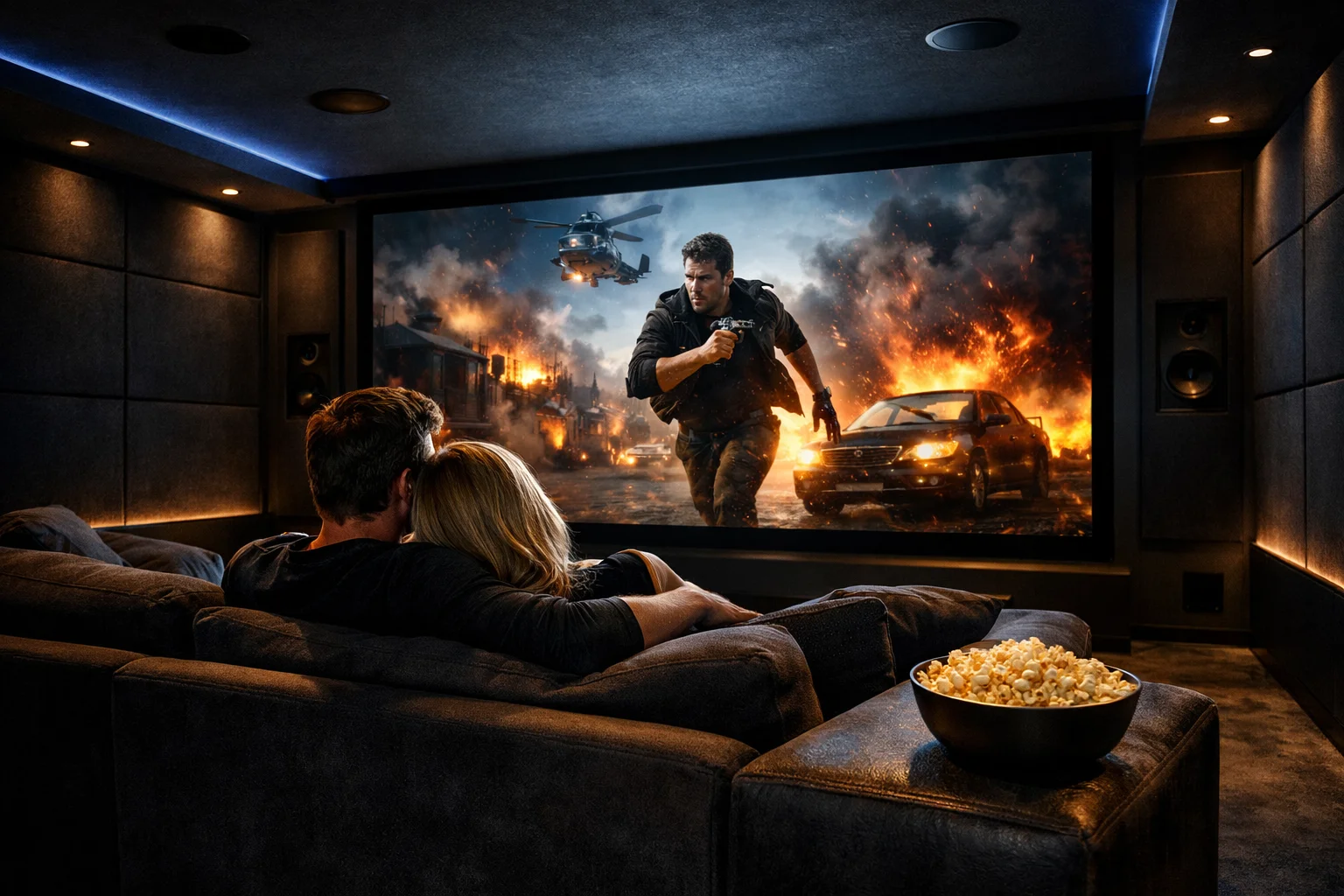
Yes — a Sonos Arc Ultra or Beam Gen 2 paired with the lounge TV becomes the TV soundbar and a Sonos zone in one. Add a Sub Mini behind the couch and two Era 300s as surrounds and you have 7.1.4 Dolby Atmos from a single Sonos system, all controlled from the app.
What's the warranty on a Sonos install?
Workmanship is fixed-price and warranted by us, subject to a site survey and standard conditions. Manufacturer warranty on Sonos hardware is two years on most products and is passed through to you with the registration completed on hand-over.
Free consultation in Casey
Fixed-price quotes after a site survey — no surprises, no obligations. Subject to standard conditions.
Book a free consultation Call 02 6299 1414Nearby suburbs we also cover
Gungahlin, Ngunnawal, Nicholls, Amaroo, Throsby, Jacka — and the full service area list covering the ACT, Queanbeyan, Murrumbateman, Bungendore and Googong.